Loading Fruit Merge...
Fruit Merge
About the Game
Fruit Merge is a free browser-based physics puzzle game where every drop counts. Aim a fruit above the glass jar and let it fall — when two identical fruits touch, they merge into the next, bigger fruit. Grow your way from a tiny cherry through blueberries, grapes, lemons, limes, kiwis, oranges, apples, peaches, pears and pineapples, all the way up to the legendary watermelon. The fruits roll, bounce and settle with real physics, so every drop changes the pile. Merges that follow each other quickly build a combo that multiplies your score, so a well-placed drop that sets off a chain reaction is worth far more than a single merge. Keep the jar tidy — if fruit stays piled above the red line for too long, the run is over. With adorable hand-drawn fruit, a cozy kitchen setting, satisfying merge effects and a relaxing soundtrack, Fruit Merge is easy to pick up and hard to put down. It is a classic drop-and-merge watermelon game that plays equally well with a mouse on desktop or a finger on your phone. Your best score is saved automatically, so you can always come back to beat it. Play Fruit Merge free in your browser on PixelsMaya, with no downloads or account required.
How to Play Fruit Merge
- Press Play on the main menu. A fruit appears above the glass jar, and the Next preview shows which fruit comes after it.
- Move your mouse, or drag your finger on a phone or tablet, to slide the fruit left and right and choose where it will fall.
- Click, or lift your finger, to drop the fruit. It falls into the jar and rolls, bounces and settles with real physics.
- When two identical fruits touch, they merge into the next, bigger fruit and you score points. The bigger the fruit, the more points the merge is worth.
- Merges that happen in quick succession build a combo, raising your score multiplier from x1.5 up to x4.5 for a long chain reaction.
- You are only ever handed one of the five smallest fruits (cherry to lime); everything bigger has to be built by merging. Two watermelons merge too, clearing space in the jar for a big bonus.
- Keep the pile below the red danger line. If a fruit rests above it for about two seconds — watch the shrinking countdown bar — the game is over. Your best score is saved for next time.
Controls
Tips & Strategy
- Keep your biggest fruit in one bottom corner and build the chain outwards from it. A tidy, size-sorted row is much easier to merge than a jumbled pile.
- Always check the Next preview before you drop. Knowing what comes after the current fruit lets you save a spot for it instead of blocking it.
- Drop small fruit next to their twins rather than on top of large fruit. A cherry stuck between two big fruits can stay buried for the rest of the game.
- Set up chain reactions: a merge that produces a fruit touching its twin triggers another merge, and the combo multiplier rewards every step.
- Use the walls. Fruit dropped close to the side slides down the glass and settles where you expect, while fruit dropped on a round peak can roll anywhere.
- When the pile gets close to the red line, stop building and drop small fruit where they will merge immediately to bring the height back down.
- Don't panic when the countdown bar appears — the game only ends if the fruit is still above the line when the bar runs out, and a quick merge often clears it.
Frequently Asked Questions
- Is Fruit Merge free to play?
- Yes. Fruit Merge is completely free and runs in your browser, with no download, no account and no purchases.
- What is the biggest fruit in Fruit Merge?
- The watermelon. There are twelve fruits in total: cherry, blueberry, grapes, lemon, lime, kiwi, orange, apple, peach, pear, pineapple and watermelon. Merging two pineapples makes a watermelon, and merging two watermelons clears them from the jar for a big score.
- How does the game end?
- The game ends when fruit stays above the red danger line at the top of the jar for about two seconds. A countdown bar appears above the line, so you have a moment to fix the pile with a quick merge.
- How do combos work?
- If merges follow each other within about a second — usually because one merge pushes the new fruit into its twin — they count as a combo. Each step raises the score multiplier by 0.5, from x1.5 up to x4.5.
- Does Fruit Merge save my high score?
- Yes. Your best score and your sound settings are saved in your browser on the device you play on.
- Can I play Fruit Merge on my phone?
- Yes. Fruit Merge works on phones and tablets as well as desktop. Drag your finger to aim and lift it to drop the fruit.
- Can I pause the game?
- Yes. Use the pause button to pause, adjust the music and sound-effect volume, restart or return to the main menu. The game also pauses itself when you leave fullscreen on mobile.
More puzzle Games

Finding Meow
A cozy cat-themed logic puzzle (also known as Meowdoku) that combines Sudoku-style colour regions with Star Battle deduction.
Lexicross Word Search
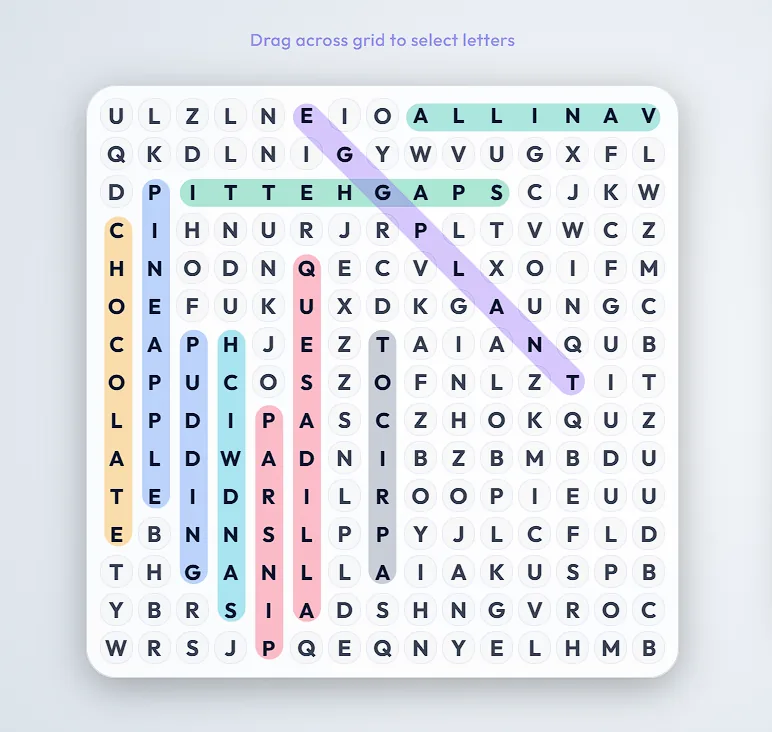
A free online word search with six themed categories, five colour themes, and a Board Maker that turns your own word list into a shareable puzzle link.
Neon Blocks
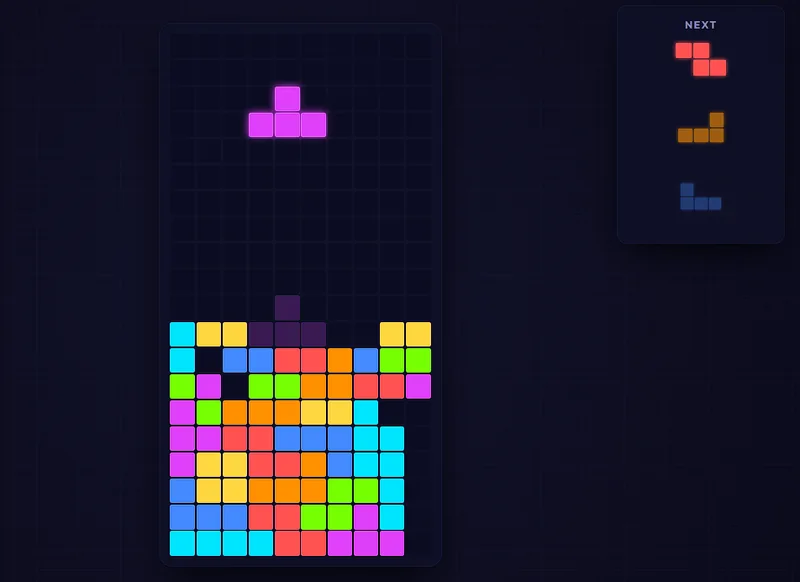
A stunning, modern falling-blocks puzzle with a cyberpunk neon look, Marathon and Sprint modes, and full mobile touch controls.
Fruit Binairo
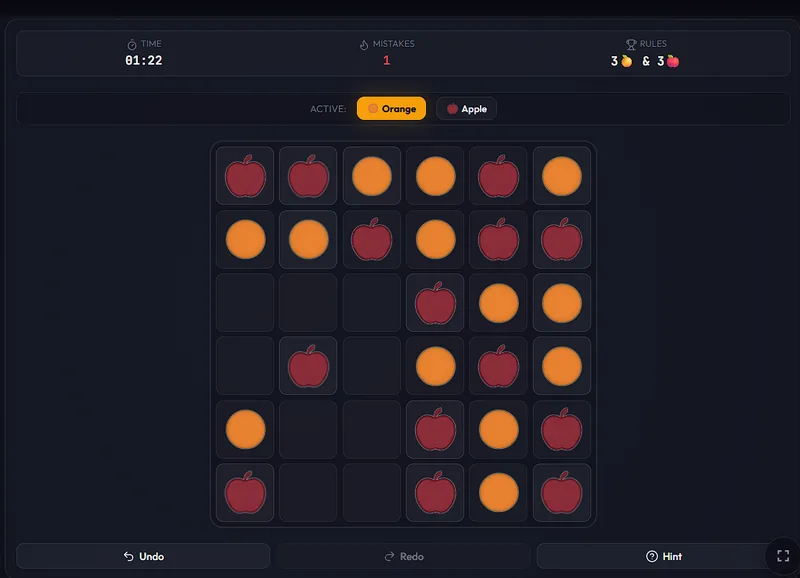
A free fruit-themed Binairo (Takuzu) binary logic puzzle with 6×6 to 10×10 grids, playable in your browser on desktop and mobile.