Lexicross Word Search
About the Game
Lexicross is a premium, beautifully designed online word search game built to test your vocabulary and visual scanning. Drag horizontally, vertically or diagonally across the letter grid to select hidden words in five colour-shifting themes. Play standard categories including Animals, Food & Drinks, Technology, Space, Science and Countries. Want a custom challenge? Use the built-in Board Maker to type in your own word list, choose a grid difficulty, and instantly generate a shareable link to challenge friends, students or colleagues — or print it, with an optional answer key. It is a simple way to make a custom or printable word search for a classroom, a party or a team icebreaker. Lexicross adapts to any screen size and fits perfectly on desktop, tablet and mobile. With gentle retro chimes, a responsive touch controller and fast board generation, it is a polished, free word search you can play directly in your web browser with nothing to install.
How to Play Lexicross Word Search
- Pick a category — Animals, Food & Drinks, Technology, Space, Science or Countries — and a difficulty, or open the Board Maker to build your own.
- The words to find are listed beside the grid. On Easy they run across and down; Medium adds backwards and upwards; Hard hides them in all eight directions, including diagonally.
- Click (or touch) the first letter of a word and drag to the last letter. Release to select it. Correct words are highlighted and crossed off the list.
- Find every word on the list to complete the puzzle. The timer shows how long you took.
- To make a custom puzzle, open Create Custom Board, give it a name, choose a grid size and add your words one at a time (up to 6 on Easy, 8 on Medium, 12 on Hard), then press Generate.
- Use Copy Share Link to send the puzzle to anyone — it opens in their browser with no sign-up — or Print to get a paper copy. The printer button during a game also offers a version with an answer key.
Controls
Tips & Strategy
- Scan for unusual letters first. Words containing Q, X, Z or J are the easiest to spot because those letters are rare in the grid.
- Look for double letters. A word like 'balloon' or 'coffee' can be located by hunting for the doubled pair.
- Sweep the grid row by row for the first letter of a word, then check all eight directions from each hit.
- Don't forget backwards and diagonal words — they are where most people get stuck.
- Long words are usually easier than short ones because there are fewer places in the grid where they can fit.
- For classroom use, a Medium grid with 6–8 words takes most students about ten minutes. Print it with the answer key so you can mark quickly.
Frequently Asked Questions
- Is Lexicross free?
- Yes. Lexicross Word Search is free to play in your browser with no download and no account.
- Can I make my own word search?
- Yes. The built-in Board Maker lets you enter your own word list, choose a grid size and generate a shareable link. It is ideal for teachers, parents and team events.
- Can I print a word search?
- Yes. Press the printer button during any puzzle to print it, with or without an answer key on a second page, or press Print in the Board Maker to print your own word list. The printed sheet has the grid, a word list with tick boxes and space for a name and date.
- What categories are included?
- Animals, Food & Drinks, Technology, Space, Science and Countries, each with a large word pool so puzzles are different every time.
- Does it work on mobile?
- Yes. Lexicross is touch-optimised and resizes to fit phone and tablet screens as well as desktop browsers.
- Can words be placed backwards or diagonally?
- On Hard, yes — words can run in all eight directions. Medium adds backwards and upward words, and Easy keeps every word reading across or down, which suits younger players.
More puzzle Games
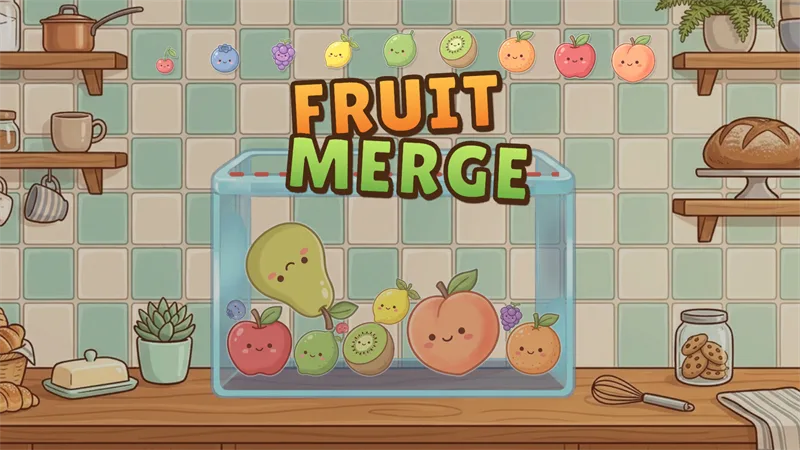
Fruit Merge
Drop cute fruits into the jar and merge matching pairs to grow them all the way up to a giant watermelon.

Finding Meow
A cozy cat-themed logic puzzle (also known as Meowdoku) that combines Sudoku-style colour regions with Star Battle deduction.
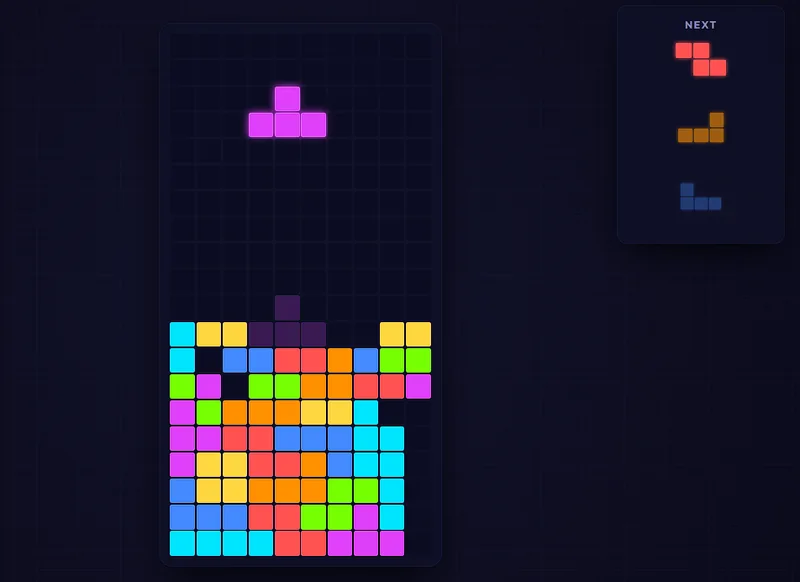
Neon Blocks
A stunning, modern falling-blocks puzzle with a cyberpunk neon look, Marathon and Sprint modes, and full mobile touch controls.
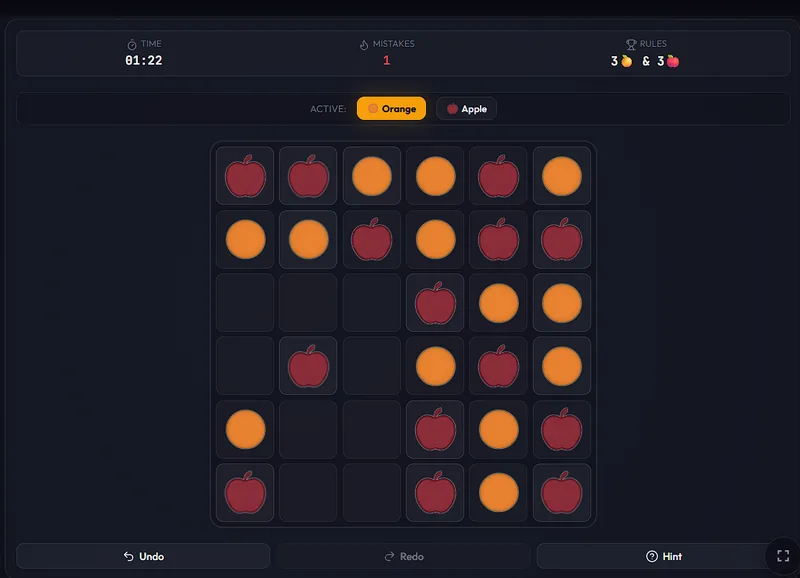
Fruit Binairo
A free fruit-themed Binairo (Takuzu) binary logic puzzle with 6×6 to 10×10 grids, playable in your browser on desktop and mobile.