Zen Haven Sudoku
About the Game
Zen Haven Sudoku is a free, beautifully designed browser Sudoku game crafted for a deeply calming and premium puzzle experience. Fill the 9×9 grid so that every row, column, and 3×3 box contains every digit from 1 to 9 — with no repetition. The game features four difficulty levels from beginner-friendly Easy puzzles to brain-bending Expert grids, so every type of player will find the right challenge. Zen Haven stands out with its dual-theme visual design — choose from a warm light mode or a restful dark mode to suit your environment. Soothing ambient sound effects and gentle animations create a distraction-free zone, ideal for mindful play during a break. The game automatically saves your progress, so you can always pick up exactly where you left off. Play hints are available when you're stuck, and the built-in mistake detection helps you learn without frustration. No download, no sign-up required — open Zen Haven Sudoku in any browser and start solving. One of the best free Sudoku games you can play online right now.
How to Play Zen Haven Sudoku
- Pick a difficulty: Easy, Medium, Hard or Expert. Easy grids have many given digits and are ideal for learning; Expert grids need advanced techniques.
- Tap or click an empty cell, then choose a digit from 1 to 9. On desktop you can use the number keys directly.
- Fill the 9×9 grid so that every row, every column and every 3×3 box contains each digit from 1 to 9 exactly once.
- Use pencil-mark (notes) mode to jot down candidate digits in a cell when you are not yet sure of the answer.
- If you get stuck, use a hint. Mistakes are highlighted so you can correct them immediately instead of discovering a contradiction later.
- Your progress is saved automatically in your browser, so you can close the tab and return to the same puzzle later.
Controls
Tips & Strategy
- Start with the row, column or box that already has the most digits filled in — it has the fewest possibilities left.
- Scan for 'naked singles': cells where only one digit can legally go. Then look for 'hidden singles': digits that can only go in one cell of a row, column or box.
- Use notes generously on Hard and Expert puzzles. Once a cell's notes are down to one candidate, it is solved.
- Look for pairs: if two cells in a unit share the same two candidates, those digits can be removed from every other cell in that unit.
- Avoid guessing. Every Zen Haven puzzle has a unique solution that can be reached by logic alone, so a guess that goes wrong only costs you time.
- Switch to dark mode for evening sessions — it is easier on the eyes and part of what makes the game relaxing.
Frequently Asked Questions
- Is Zen Haven Sudoku free to play?
- Yes. Zen Haven Sudoku is completely free, with no download, no account and no in-app purchases. Open it in any modern browser and start playing.
- Does the game save my progress?
- Yes. The current puzzle, your notes and your timer are saved automatically in your browser's local storage. Come back to the same device and browser and you can pick up where you left off.
- Can I play Sudoku on my phone?
- Yes. The game is fully touch-optimised and works on iPhone, iPad and Android devices as well as on desktop browsers.
- What difficulty levels are available?
- There are four levels: Easy, Medium, Hard and Expert. Easy puzzles can be solved with singles alone; Expert puzzles require techniques such as pairs, pointing digits and X-wings.
- Does every puzzle have a unique solution?
- Yes. Every generated grid is verified to have exactly one solution, so you never need to guess.
- Is there a dark mode?
- Yes. Zen Haven Sudoku ships with both a warm light theme and a restful dark theme, and you can switch between them at any time from the settings menu.
More puzzle Games
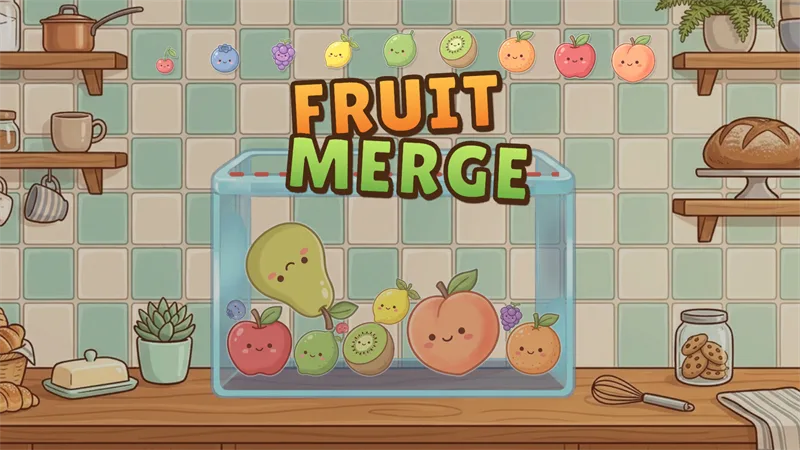
Fruit Merge
Drop cute fruits into the jar and merge matching pairs to grow them all the way up to a giant watermelon.

Finding Meow
A cozy cat-themed logic puzzle (also known as Meowdoku) that combines Sudoku-style colour regions with Star Battle deduction.
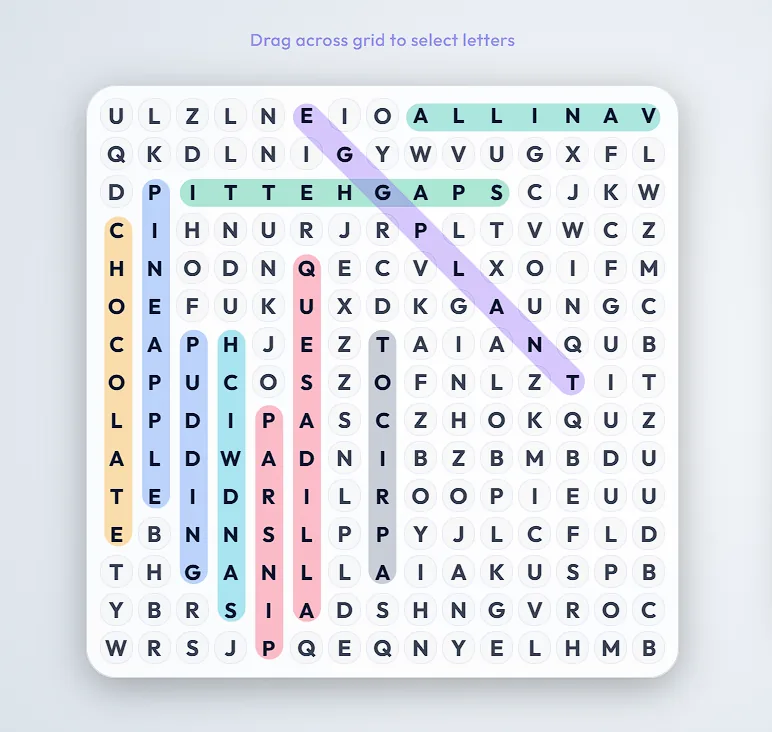
Lexicross Word Search
A free online word search with six themed categories and a Board Maker that turns your own words into a shareable or printable puzzle.
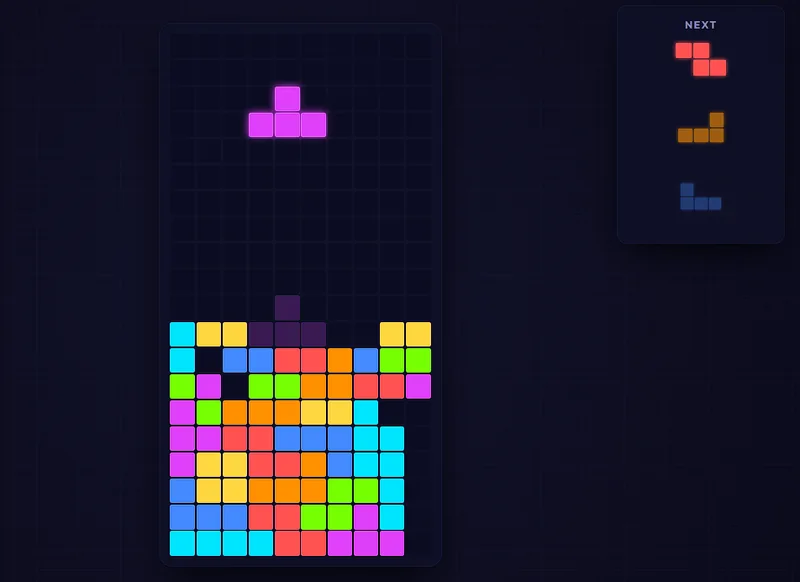
Neon Blocks
A stunning, modern falling-blocks puzzle with a cyberpunk neon look, Marathon and Sprint modes, and full mobile touch controls.