Neon Blocks
Controls
About the Game
Neon Blocks is a free browser-based falling-block puzzle game that reimagines the classic line-clearing formula with a stunning cyberpunk neon aesthetic. Guide the falling pieces to form complete horizontal lines and clear them before the stack reaches the top. The longer you survive, the faster the pieces fall — every level is a new test of speed and spatial reasoning. This version features two modes: Marathon, where you play endlessly and chase a high score as levels get progressively harder, and Sprint, where the challenge is to clear exactly 40 lines as quickly as possible. Both modes support smooth keyboard controls on desktop and on-screen touch buttons on phones. Under the glow it plays by modern rules. Pieces come from a shuffled bag of all seven shapes, so you never wait long for the one you need. A ghost piece shows exactly where the current piece will land, the Next panel previews three pieces on desktop and one on phones, and wall kicks let pieces rotate snugly against walls and other blocks. A short lock delay gives you time to slide a piece into place after it touches down, T-spins earn big bonus points, and the game pauses itself if you switch tabs. Neon Blocks is built as a premium HTML5 game with fluid animations, a glowing neon colour palette, and authentic retro sound effects that make every line-clear feel rewarding. No registration, no download — just open it in your browser and start playing. Free forever on PixelsMaya.
How to Play Neon Blocks
- Choose a mode. Marathon is endless and gets faster as you level up; Sprint ends the moment you clear 40 lines, and your time is the score.
- Pieces made of four blocks fall from the top of the board one at a time. Move each piece left and right and rotate it to fit the gaps below.
- Complete a horizontal line with no gaps to clear it. Clearing two, three or four lines at once scores far more than clearing them one at a time.
- Use soft drop (down arrow) to speed a piece up while keeping control, or hard drop (space) to slam it into place instantly.
- Watch the preview panel to see which piece is coming next and plan where the current piece should go.
- The game ends when the stack reaches the top of the board. Keep the stack low and flat to survive longer.
Tips & Strategy
- Keep the stack flat. Tall towers with deep holes are what end most games — aim to leave no more than one column open at a time.
- Save the long straight piece for a four-line clear down a single open column. Only a T-spin double or triple scores more.
- Rotate before you move. Deciding a piece's final orientation early gives you more time to slide it into position.
- Use hard drop only when you are certain of the placement. On high levels, one mis-drop can be fatal.
- In Sprint mode, efficiency beats style: consistent double and triple clears finish faster than waiting for the perfect four-line setup.
- On a phone, hold the Left or Right button to slide a piece quickly: it moves once, pauses briefly, then repeats. Hold Down to keep soft dropping.
Frequently Asked Questions
- Is Neon Blocks free?
- Yes. Neon Blocks is free to play in your browser with no download, no sign-up and no ads interrupting your game.
- What is the difference between Marathon and Sprint?
- Marathon is an endless high-score mode where the speed increases every ten lines. Sprint is a race to clear 40 lines in the shortest possible time.
- Can I play with a keyboard?
- Yes. Use the arrow keys or WASD to move, Up / W / X to rotate, and Space to hard drop. Touch controls are used automatically on phones and tablets.
- Does it work on mobile?
- Yes. Neon Blocks runs in the mobile browser on iOS and Android with on-screen buttons under the board for left, right, soft drop, hard drop and rotate when you hold the phone upright.
- Are my high scores saved?
- Yes. Your best Marathon score and best Sprint time are saved in your browser's local storage on the device you play on.
More puzzle Games
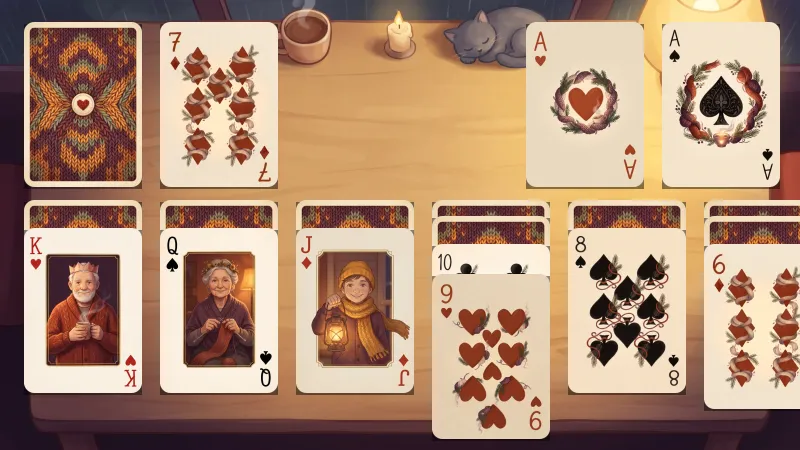
Klondike Solitaire
A free, cozy Klondike Solitaire with draw 1 and draw 3, undo, hints, daily deals and statistics. Play the classic patience card game in your browser.
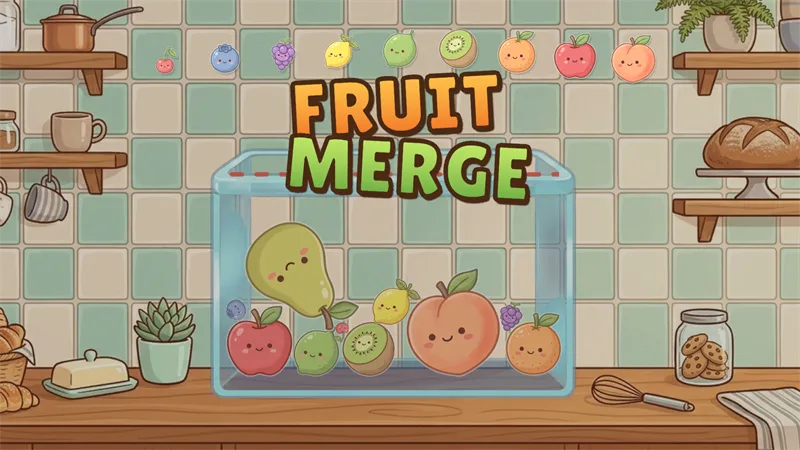
Fruit Merge
Drop cute fruits into the jar and merge matching pairs to grow them all the way up to a giant watermelon.

Finding Meow
A cozy cat-themed logic puzzle (also known as Meowdoku) that combines Sudoku-style colour regions with Star Battle deduction.
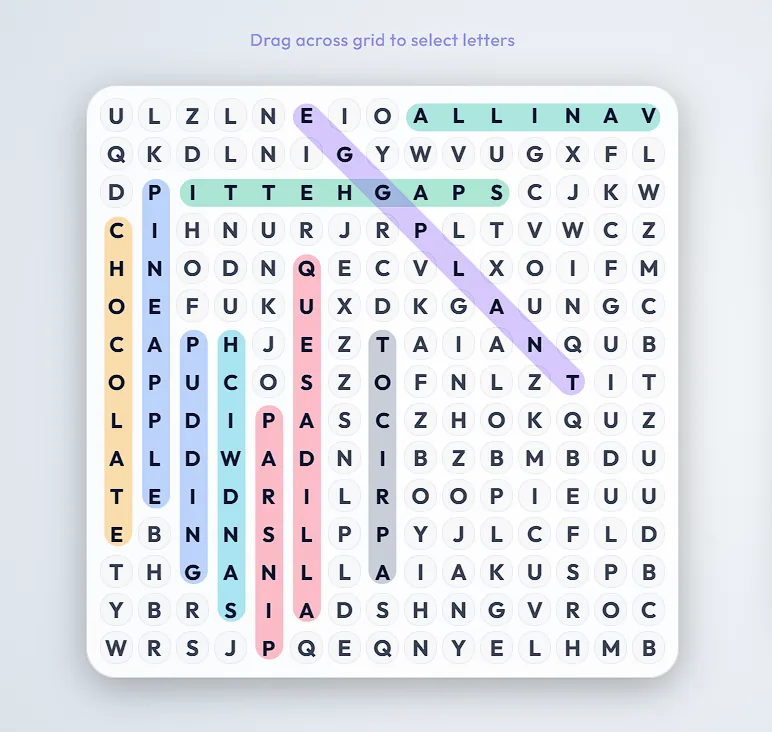
Lexicross Word Search
A free online word search with six themed categories and a Board Maker that turns your own words into a shareable or printable puzzle.